Many photo editing tools really try to offer many features to their users. There is almost nothing your average photo editor can't do with your photo. It can transform and morph it beyond recognition, but users often simply want to balance out light and color in their photo to make it more appealing.
Focused on lighting and color
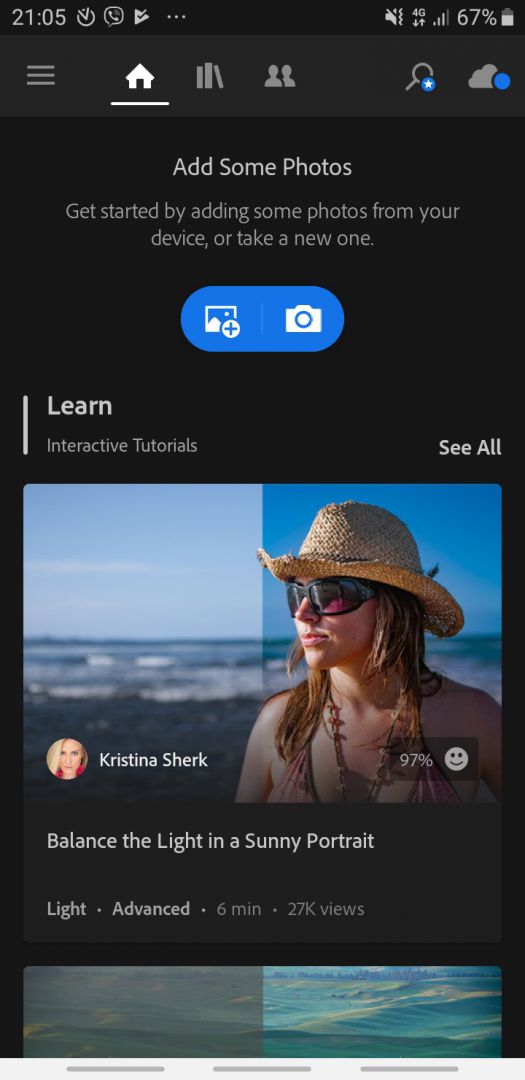
Adobe Lightroom is a free Android app that is mainly used for light and color balance of your photo. It skips the heavy manipulation tools that morph the image, leaving you with a focused app to make your photo stand out without changing what it consists of. Before getting started yourself, you can even take part in several interactive tutorials.Interactive tutorials and community
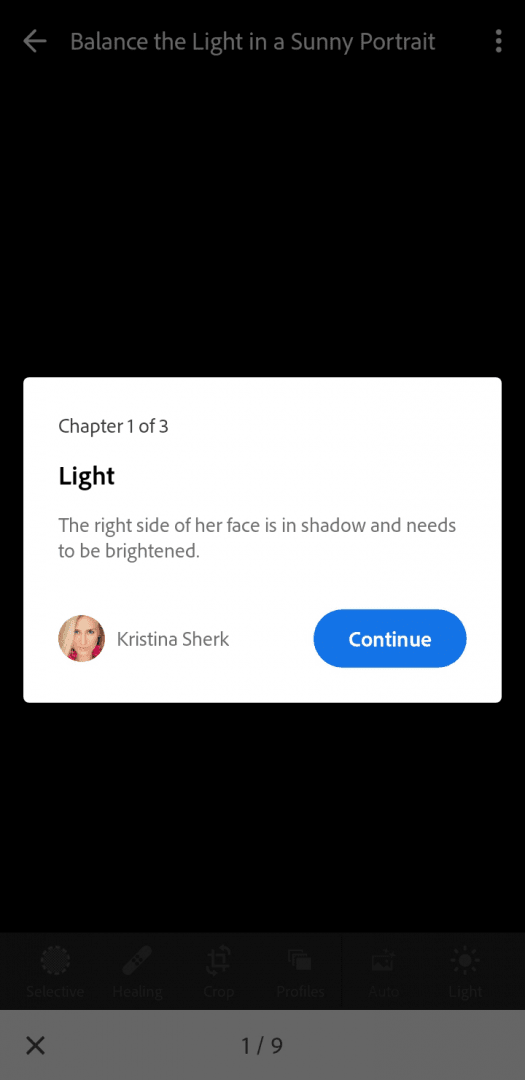
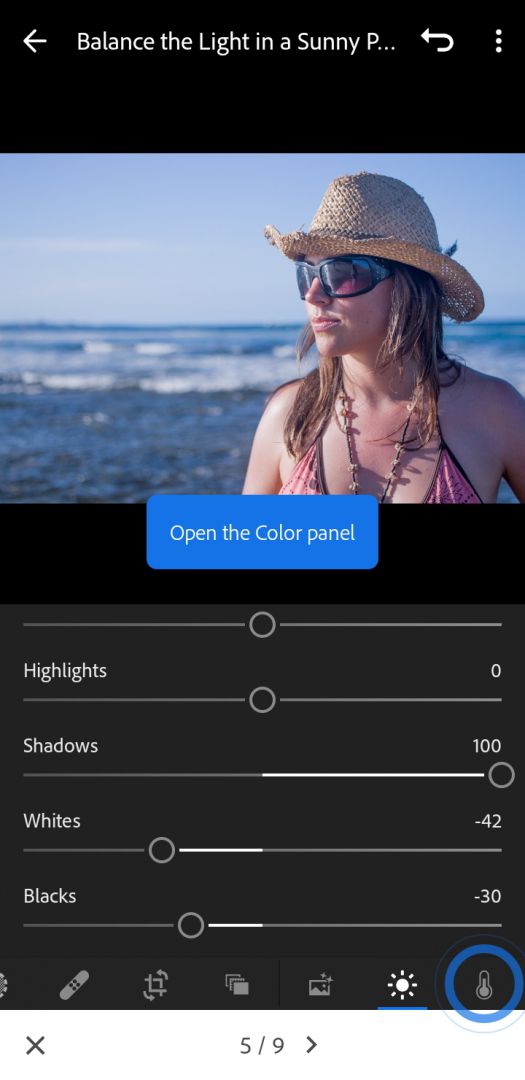
These tutorials show how Adobe Lightroom can be used to fix images from certain scenarios such as Sunny Portrait, Landscape Photos, etc. Also, you can take inspiration from other users who have posted their photo edits. This is interactive, allowing you to see how the photo changes from one effect to the next and you can do the same with your photo.Tools, filters, and premium features
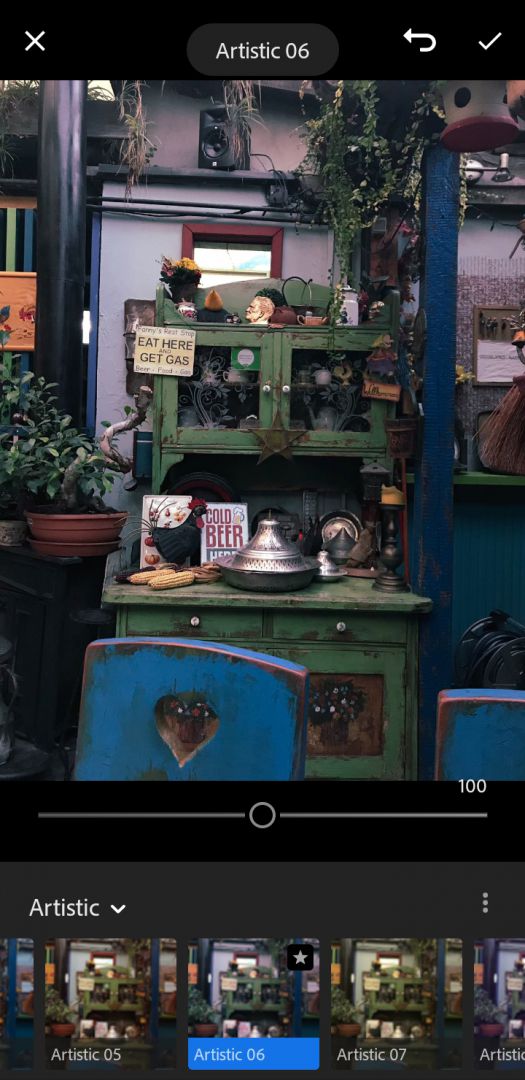
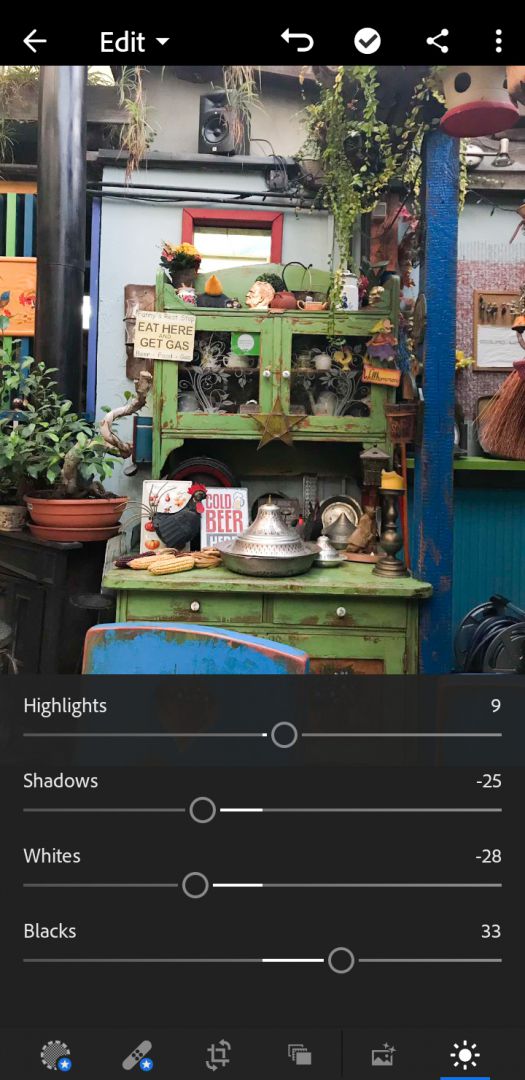
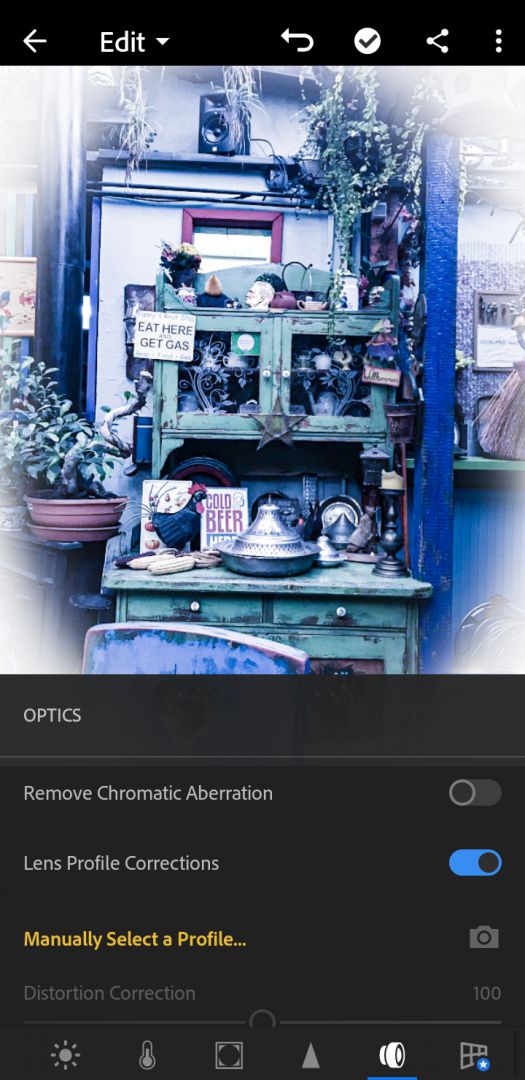
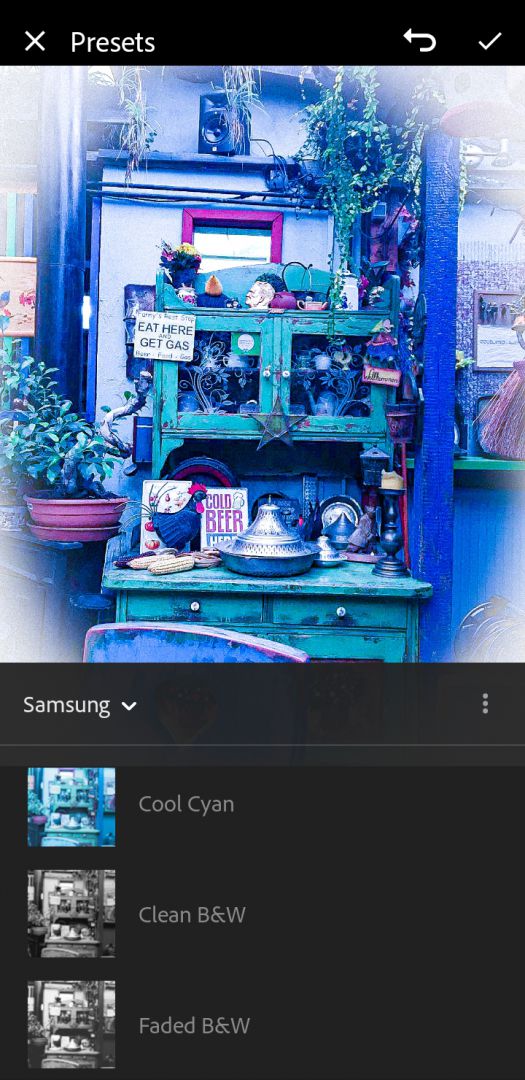
When it comes to photo editing, there isn't much to say and you should definitely check out everything the app has to offer. There are plenty of effects, filters, settings to tweak, and presets to try out. You can even create your own or import presets made by other users. Paid features include selective editing (editing only a portion of the photo), healing brush (deleting parts of the photo), and geometry (used to change the perspective of the photo).